Preparing the daily order is one of the most time-consuming jobs in a pharmacy. Here is a simple method that uses photos and AI to do most of the work.
Step 1 — Photograph your shelves
Open the Order Manager and tap Take photo. Take one photo per shelf, with the box labels facing the camera. You can also upload photos of a stock list, a distributor invoice or a handwritten order list.
Step 2 — Check what the AI read
The AI lists every medicine it found. Amber items marked check were not fully clear — tap to correct the name or strength. Untick anything that is wrong, and type any medicine it missed.
Step 3 — Save today
Saving adds today's list to the 7-day memory. Each saved day is deleted automatically after seven days.
Step 4 — Compare and order
The next day, repeat the photos and save. PharmaPilot compares the two days:
- Missing medicines were on the shelf yesterday and are gone today — they go straight into the order list.
- New medicines are highlighted, so you can see fresh stock that arrived.
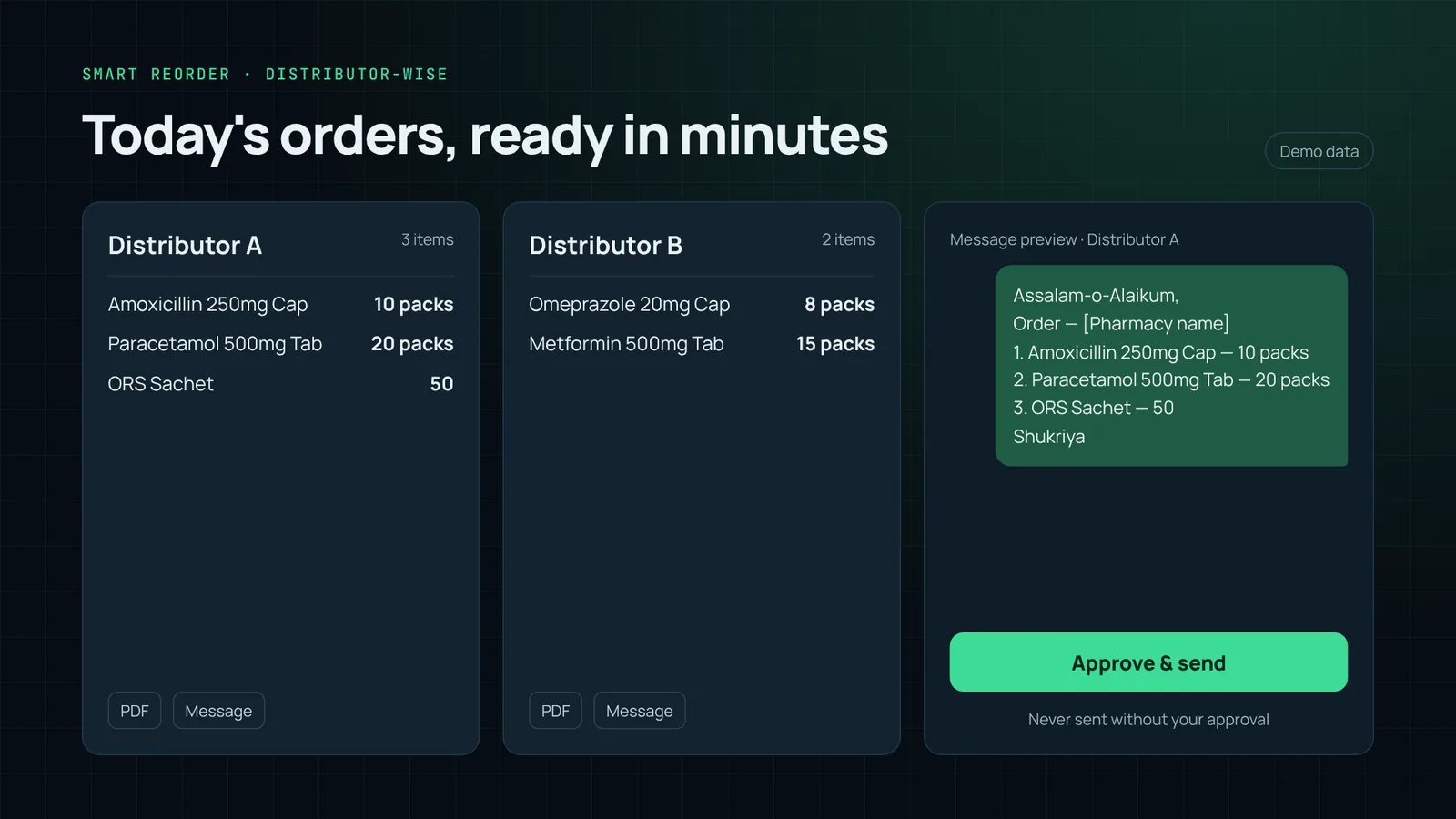
Set quantities, choose the distributor for each line, and tap Prepare distributor orders. Each distributor gets its own WhatsApp-ready message. Nothing is sent until you send it.
Tips for clear photos on any phone
- Use daylight or switch on the shop lights; avoid strong glare on shiny boxes.
- Move closer: one shelf per photo is better than the whole wall.
- Hold the phone steady — the camera screen shows Sharp ✓ when it is ready.
- If a photo is marked Not clear, retake just that one.
With AI Vision connected in the Order Manager, even older phone cameras and handwritten lists can be read much more reliably.